Digital Visiting Card (vCard) save to phone in one tap
Your personal card at surl.pk/@your-name. Share a link or QR — the other person taps Save and your name, number, photo and email land in their Contacts.
Tout en un seul lien
True vCard download
A standards-compliant .vcf with photo, title, company, phones, email, address and social links.
Personal fields
Prefix (Dr / Engr / Mr), first & last name, job title, company, headline, about.
Appointment booking
Built-in request form (lands in your leads) or your Calendly / Google Calendar link.
Portfolio & documents
Show your work, attach your CV or brochure as PDF.
Link to your company
Attach your card to the company profile — you appear on its Team section automatically.
Share everywhere
WhatsApp, Facebook, LinkedIn, SMS, email, copy link, QR — plus add-to-home-screen on phones.
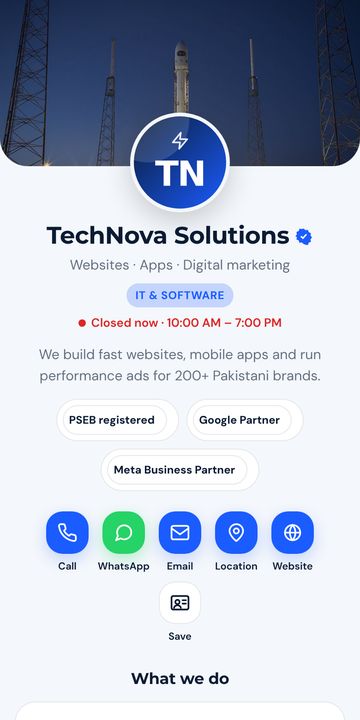
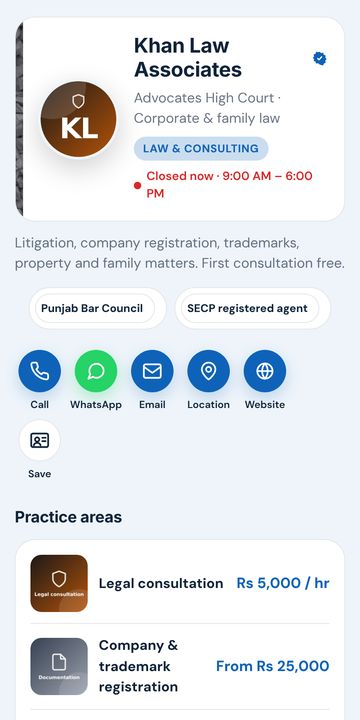
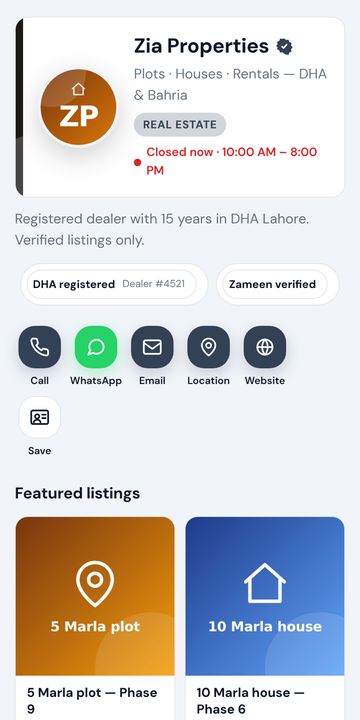
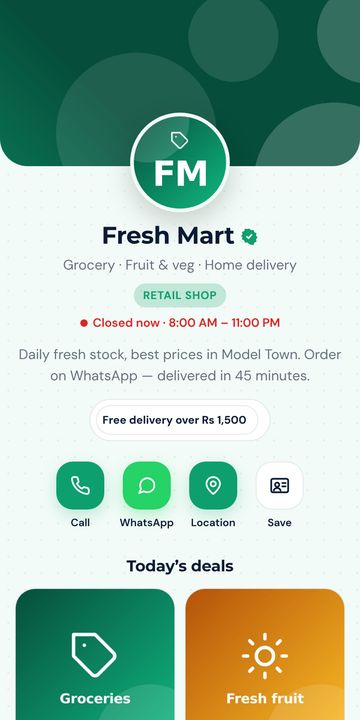
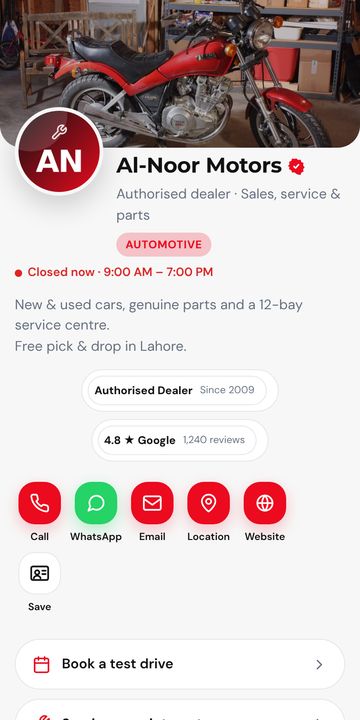
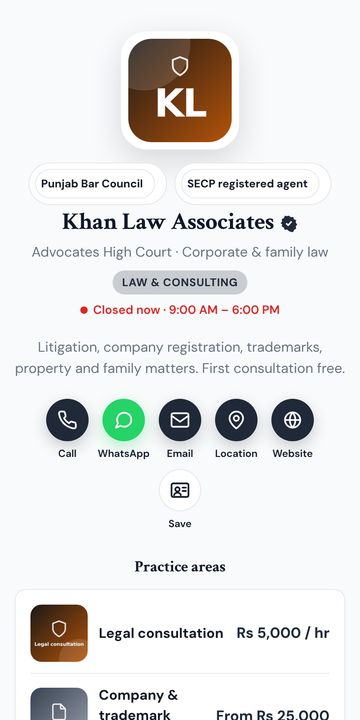
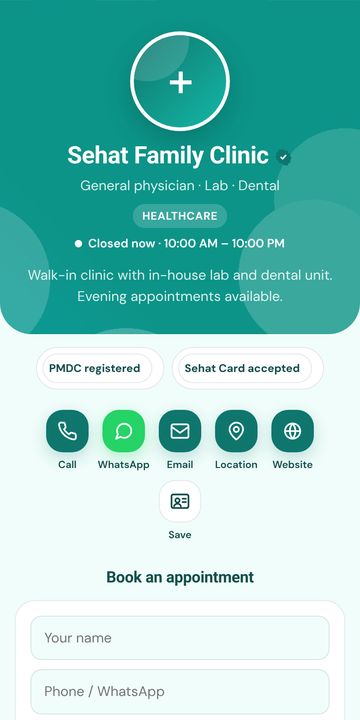
36 designs, 8 mises en page — modifiable à tout moment
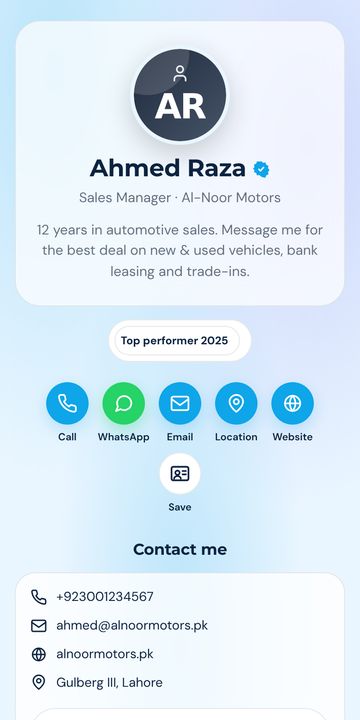
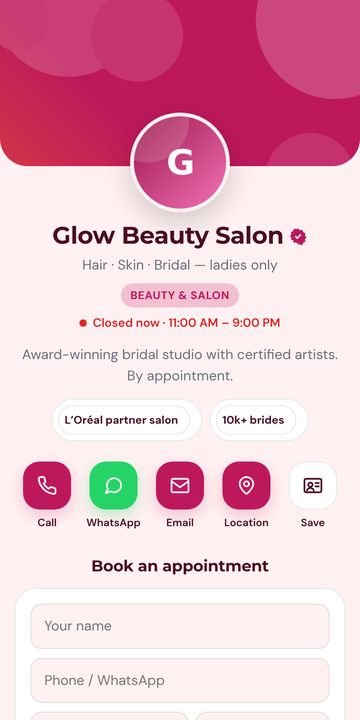
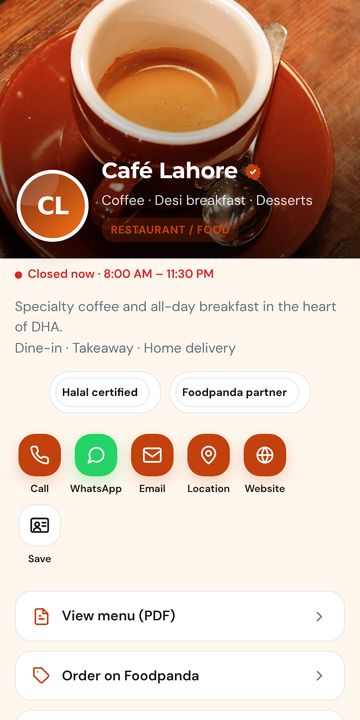
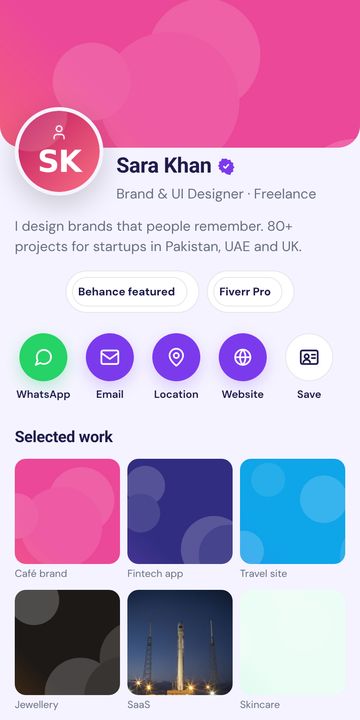
Packs business, personnel, créatif, sombre, luxe, minimaliste et par secteur. Chaque couleur, police, bouton et motif est ajustable. Touchez un design pour ouvrir la démo en direct.
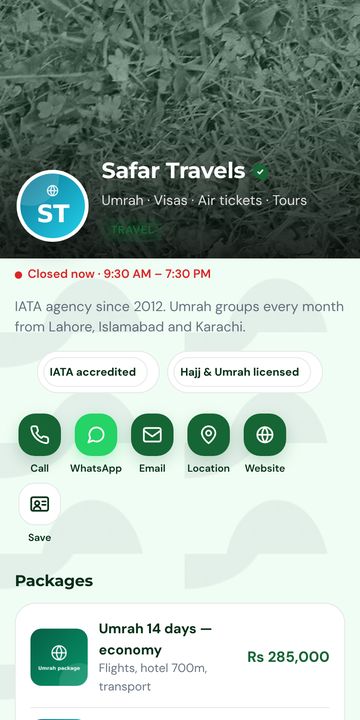
En ligne en 2 minutes
Inscrivez-vous avec un code WhatsApp ou e-mail. Un compte fonctionne sur cutt.pk, surl.pk, tiny.pk.
Nom, numéro, WhatsApp, photo/logo, services. Choisissez un design. Tout s'enregistre automatiquement avec un aperçu mobile en direct.
Mettez le lien dans votre bio, imprimez le QR sur votre carte ou votre enseigne, envoyez-le sur WhatsApp. Mettez à jour à tout moment sans réimprimer.
Questions fréquentes
What is a vCard?
vCard (.vcf) is the standard contact file format that phones understand. When someone opens it, their phone offers to save you to Contacts with photo, numbers, email and company.
Do I need an app?
No. The card is a web page and the vCard is downloaded by the browser. Works on iPhone, Android and desktop.
Can I put the QR on my printed visiting card?
Yes. Download the QR (PNG or SVG) from your dashboard and give it to your printer. Changing your number later does not require reprinting.
Can I have more than one card?
Yes — e.g. one personal and one for your business. Limits are shown in your dashboard.
Prêt ? C'est gratuit.
Your personal card at surl.pk/@your-name. Share a link or QR — the other person taps Save and your name, number, photo and email land in their Contacts.